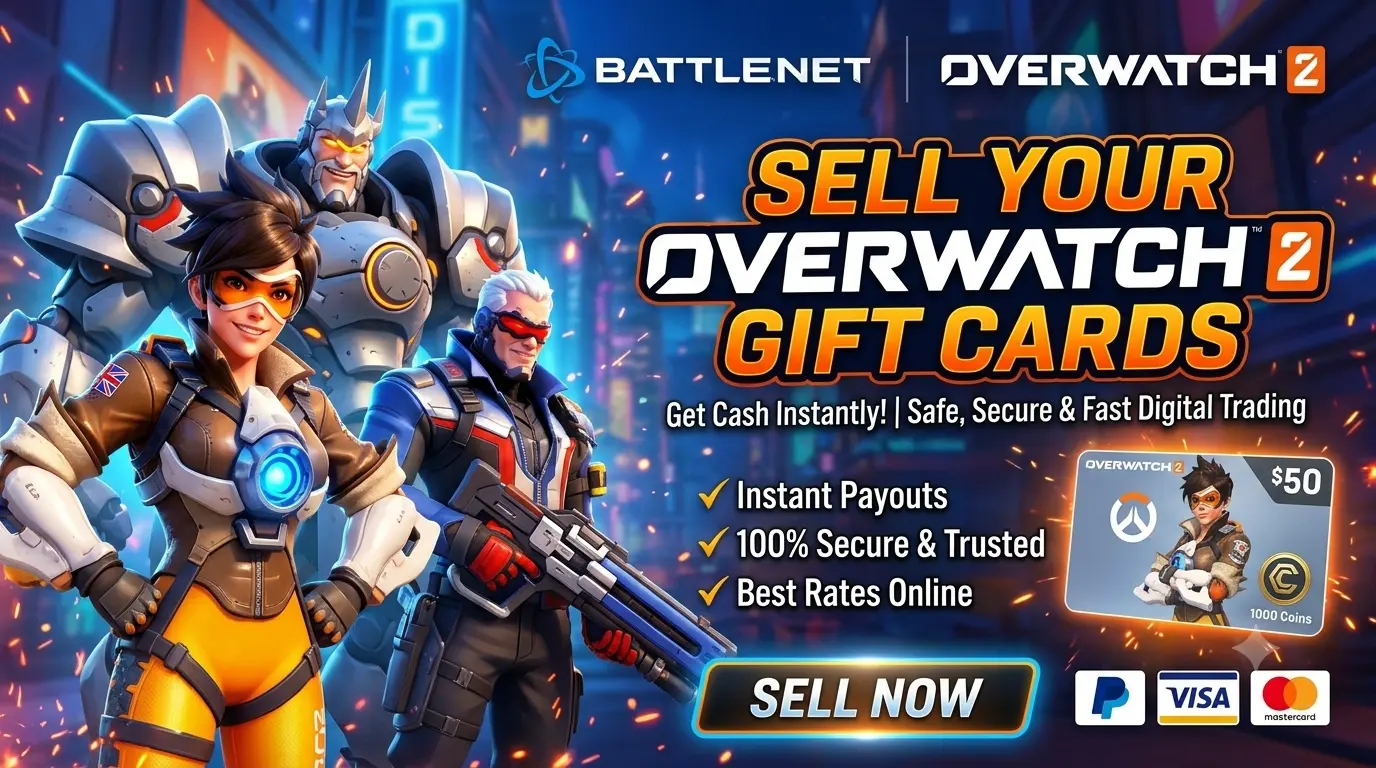
Sell Overwatch Gift Cards and Coins Codes Online
Looking to sell an Overwatch digital code? Before you submit anything, identify exactly what you have: an Overwatch Coins code, a Battle.net Balance code, or another type of voucher. These products are not interchangeable, and a code's region, redemption rules and current buyer acceptance can affect whether it can be sold.
GiftBuyer lets users explore supported gaming gift cards and check available buying-rate information. This guide explains how to check eligibility, understand the price of an Overwatch 1000 Coins code, protect your code and confirm the selling process before proceeding.
Can You Sell an Overwatch Gift Card Online?
You may be able to sell an eligible Overwatch-related voucher if a buyer accepts that exact product. First check the product name, denomination, currency, region and redemption method. “Overwatch Coins code,” “Battle.net Balance code” and “gift card” can refer to different products, so the wording on a listing or receipt matters.
Acceptance is not automatic. A buyer may have restrictions based on region, supply, verification results or current demand. Review GiftBuyer's current supported products and ask the team to confirm your exact code type before sharing the code itself.
Overwatch Coins Code vs. Battle.net Gift Card
It is important to distinguish these products before searching for a buyer:
- Overwatch Coins: In-game virtual currency. An official purchase may add Coins directly to the player's account rather than provide a separate redeemable code.
- Battle.net Balance code or gift card: A balance voucher that follows Battle.net's own terms, regional rules and redemption process.
- Account balance or Coins already credited: This is not the same as holding an unused voucher. Do not assume it can be transferred, converted back into a code or resold.
For current product and redemption details, consult the official Overwatch website and Battle.net Shop. Product availability and prices may differ by region.
How to Sell an Overwatch Coins Digital Code
If you have a separate unused code and GiftBuyer confirms that it is eligible, use the following checklist. The exact steps and available channels depend on GiftBuyer's current process.
Step 1: Identify the Exact Product
Check the product name on the purchase confirmation, voucher or official retailer listing. Confirm whether it is an Overwatch Coins code, Battle.net Balance code or a different product. Do not rely on a seller's informal description alone.
Step 2: Check the Region and Denomination
Confirm the currency, intended country or region and denomination. A code sold for one region may not work in another. Ask GiftBuyer whether the exact product and region are accepted before starting a submission.
Step 3: Check the Current Buying Rate
Review the current buying rate shown by GiftBuyer, if available. The rate can depend on the exact product, denomination, region, demand and verification outcome. A code's face value or store price is not necessarily the amount a third-party buyer will pay.
Step 4: Follow the Official Submission Instructions
Use the selling or contact option available through the official GiftBuyer website. Provide only the information requested for the review. Never send a code to an unverified account or publish it in a public post, comment or screenshot.
Step 5: Wait for Verification
The buyer may check whether the code is valid, unused and eligible under its current rules. Submission does not mean the code has been approved. If the team requests clarification, respond through the official channel and keep your transaction reference.
Step 6: Confirm the Final Amount and Payment Method
Before completing the transaction, confirm the final accepted rate, amount payable, payment method and expected processing steps. Do not assume that a particular payment method or payout time is guaranteed unless GiftBuyer confirms it for your transaction.
Step 7: Keep a Record
Keep relevant messages, transaction IDs and payment confirmation until the transaction is resolved. Do not include your full code, passwords, OTPs or financial credentials in records you share publicly.
Want to check an eligible code?
Review GiftBuyer's current product acceptance and rate information first. If your exact Overwatch-related code is supported, follow the official selling instructions and confirm the terms before submission.
Continue to GiftBuyerOverwatch Digital Code: 1000 Coins Price
There is no single universal resale price for an “Overwatch 1000 Coins code.” The amount a buyer may offer depends on the precise product, region, current availability, demand, and whether the code is valid and unused. The price shown in an official store is not automatically the resale value.
Before accepting an offer, ask the buyer to confirm:
- Whether it accepts a separate 1000 Coins digital code, rather than Coins credited directly to an account.
- Which country or region the code must be for.
- The current buying rate and currency used for the quote.
- Whether the quoted amount can change after verification and why.
- The payment method, processing steps and any applicable terms.
Check GiftBuyer's current rates or contact the team through its official channels. If the rate is unavailable or not loading, do not assume a price from an old screenshot or another website.
Where Can You Sell Overwatch 2 Gift Cards?
When comparing a digital-code buyer, look for clear acceptance rules, a transparent rate, a defined verification process, safe code handling and reachable support. Be cautious of offers that promise unusually high payouts but do not explain eligibility or payment conditions.
- Product clarity: The buyer should distinguish Overwatch Coins from Battle.net Balance and other vouchers.
- Regional eligibility: Confirm the country, currency and redemption region before sharing any code.
- Clear pricing: Confirm the final rate and amount in writing.
- Verification policy: Understand what happens if a code is invalid, already redeemed or unsupported.
- Official contact: Start from the real website and verify the contact channel.
GiftBuyer is an independent platform. Check its currently listed products and confirm acceptance for your exact code; do not assume every Overwatch-related product is accepted at all times.
Can You Sell Coins Already Added to Your Overwatch Account?
Do not assume that Coins already credited to a game account can be transferred to another player or sold as a digital code. A purchase that credits an account is different from an unused voucher that can be redeemed by its recipient. Only proceed if you hold a separate code and the buyer explicitly confirms it accepts that code type.
Do not share your game account, password, session information or recovery codes with anyone offering to buy Coins. Review the game's official terms and account security guidance before taking any action.
Safety Tips Before Selling an Overwatch Code
- Keep the code private. Treat an unused code like cash; someone who redeems it may make it unusable.
- Verify the buyer. Use contact details linked from the official website.
- Confirm the rate first. Agree on the product, currency, amount and conditions before handing over the code.
- Never share login credentials. A buyer should not need your game password, OTP, recovery codes or payment PIN.
- Watch out for scams. Be cautious of pressure, unexpected fees or requests to pay money to “unlock” a payout.
- Keep transaction evidence. Save the reference number and relevant messages, but redact the full code and sensitive information.
- Do not submit a used code. If you believe a code was incorrectly marked as used, contact the retailer or official support channel where appropriate.
Why Might an Overwatch Digital Code Be Rejected?
A buyer may reject a code because the product type is unsupported, the region or denomination is not accepted, the code is invalid or already redeemed, or verification could not establish eligibility. A code may also be unsuitable if it is not a transferable voucher at all—for example, if the original purchase credited Coins directly to an account.
Ask for the specific reason if your code is declined. Do not repeatedly submit the same code to different buyers or send it to strangers in an attempt to test it. Use the original retailer or official support resources if you need help checking a purchase or redemption issue.
Sell Overwatch Codes from a Mobile Phone or Computer
You can browse GiftBuyer on a phone, tablet or computer. Open the official website, review the supported product and rate information, and follow the available selling instructions. Before entering any details, check that the address is exactly giftbuyer.in and that you are using an official contact channel.
Frequently Asked Questions
1. How can I sell an Overwatch gift card online?
First identify the exact voucher type and region. Check whether GiftBuyer currently accepts it, review the buying rate and follow the official submission instructions. Acceptance and payment depend on eligibility and verification.
2. Can I sell an Overwatch 2 Coins digital code?
Only if you hold a separate unused code and the buyer confirms that exact code type and region are accepted. Coins credited directly to an account are not automatically a transferable code.
3. What is the price of an Overwatch 1000 Coins code?
There is no universal resale price. The offer depends on the product, region, current buying rate and verification. Confirm the final amount with GiftBuyer before sharing a code.
4. Are Overwatch Coins codes and Battle.net gift cards the same?
No. Overwatch Coins, Battle.net Balance codes and gift cards can have different purposes and redemption rules. Check the exact product name and official terms before attempting to sell or redeem it.
5. Can I sell Coins already added to my game account?
Do not assume that account-delivered Coins can be transferred or resold. Only submit a separate unused digital code that GiftBuyer explicitly confirms it accepts.
6. Does GiftBuyer accept Overwatch codes from every country?
Not necessarily. Regional availability and acceptance may vary. Confirm the code's country, currency and region with GiftBuyer before submitting it.
7. How long does Overwatch code verification take?
Processing times can vary by product and the checks required. Ask GiftBuyer for the expected timeline for your submission; do not rely on an unconfirmed guarantee.
8. Which payment methods are available?
Available payment methods can depend on GiftBuyer's current process and your transaction. Confirm the supported method and final payable amount with the team before completing a sale.
9. What happens if my code has already been redeemed?
A redeemed code generally cannot be redeemed again and is unlikely to qualify as an unused voucher. Contact the original retailer or appropriate official support if you believe there is a problem.
10. Why could my Overwatch code be rejected?
Possible reasons include an unsupported product or region, an invalid or already redeemed code, or a failed verification. Ask the buyer for the specific reason and check the original purchase details.
11. Is it safe to send a digital code online?
A code can have monetary value, so keep it private and use only the official selling process after confirming the terms. Never share passwords, OTPs, recovery codes or payment PINs.
12. Where can I check GiftBuyer's current buying rate?
Visit GiftBuyer and check the current rates section or contact the team using official contact details. If a rate is unavailable, confirm it directly before sharing any code.
Final Thoughts
If you want to sell an Overwatch-related digital code, begin by confirming exactly what product you own. Overwatch Coins, Battle.net Balance and account-delivered Coins are not interchangeable. Check region and eligibility, confirm the current buying rate and payment terms, and only then use the official selling process. Keep your code private and proceed only when the terms are clear.
Overwatch and Battle.net are trademarks of their respective owners. GiftBuyer is an independent platform and this page does not imply endorsement by or affiliation with Blizzard Entertainment. Product availability, redemption rules and regional restrictions may change. Always consult official product terms.